NEWv34.0.0Templated Animations30fps CaptionsMost Popular StylesNEWv34.0.0New Caption StylesFaster ProcessingLive NowNEWv34.0.0Templated Animations30fps CaptionsMost Popular StylesNEWv34.0.0New Caption StylesFaster ProcessingLive NowNEWv34.0.0Templated Animations30fps CaptionsMost Popular StylesNEWv34.0.0New Caption StylesFaster ProcessingLive NowNEWv34.0.0Templated Animations30fps CaptionsMost Popular StylesNEWv34.0.0New Caption StylesFaster ProcessingLive NowNEWv34.0.0Templated Animations30fps CaptionsMost Popular StylesNEWv34.0.0New Caption StylesFaster ProcessingLive NowNEWv34.0.0Templated Animations30fps CaptionsMost Popular StylesNEWv34.0.0New Caption StylesFaster ProcessingLive NowNEWv34.0.0Templated Animations30fps CaptionsMost Popular StylesNEWv34.0.0New Caption StylesFaster ProcessingLive NowNEWv34.0.0Templated Animations30fps CaptionsMost Popular StylesNEWv34.0.0New Caption StylesFaster ProcessingLive Now
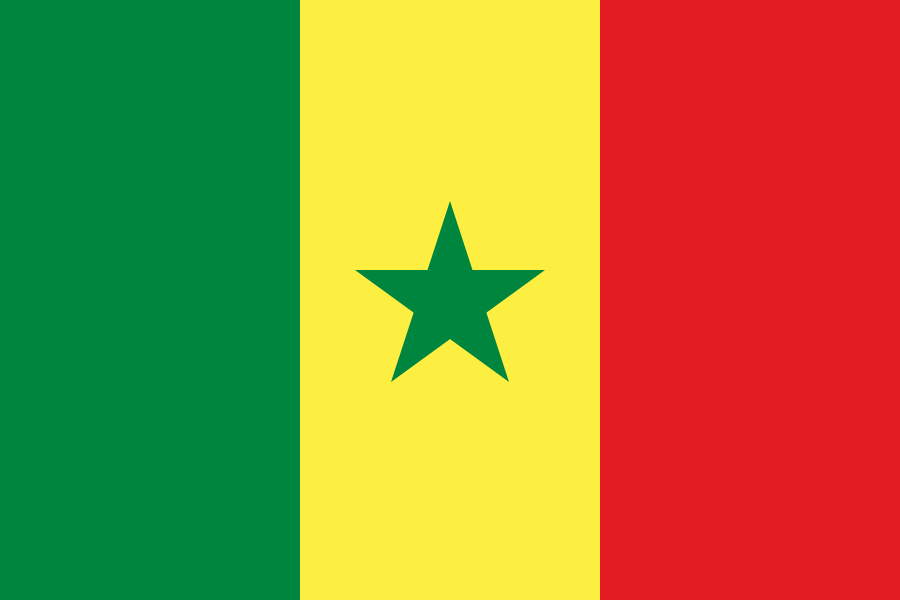
Fula flag
Fula alternate flag

How to Create Fula Captions inAdobe Premiere Pro

Install → select Fula → generate → style

Tutorial workflow

Create Fula captions in 4 clear steps

Follow this sequence from setup to export to keep your caption workflow fast and reliable.

  1. 1

    Install CaptionX

    Create an account, then download and install the extension from your dashboard.

    Account + extension setupGo to dashboard

  2. 2

    Open CaptionX in Premiere Pro

    Open your Premiere project, then launch CaptionX from the Extensions menu.

    Launch extension panel
  3. 3

    Select Fula

    Choose Fula as your caption language, select your audio track, then pick caption length. Fula is spoken by ~40 million speakers, primarily in Senegal and Guinea.

    Fula · Latin script · LTR
  4. 4

    Generate, review, export

    Generate captions, review for accuracy — check diacritics, punctuation, and any language-specific spelling in Fula — then export as SRT or style captions in your timeline.

    QA + delivery

Fula caption language facts

Fula has roughly 40 million speakers worldwide. Fula captions usually use the Latin script and are read LTR. Primary markets: Senegal and Guinea.

Estimated speakers
40 million
Audience scale
Large regional audience
Writing system
Latin script (LTR)
Primary markets
Senegal, Guinea

Sample Fula words

SemmbindeJowitaareHakkilantaareFaamninde

Regional and dialect review checklist

Use this pass after generation to keep wording natural for your target audience.

Regional checks

  • If your Fula audience spans Senegal and Guinea, publish separate caption exports when terminology differs.
  • For Fula, keep diacritics and accents consistent across the whole timeline.
  • For interviews, prioritize clarity for names and key phrases in Fula.
  • Keep a small Fula glossary for names, places, and brand terms before your final QA pass.

Dialect checks

  • For mixed Fula audiences across Senegal and Guinea, avoid region-only slang unless it is intentional.
  • Keep one spelling standard per video so Fula captions feel consistent.
  • Maintain a reusable glossary for repeated Fula terms across episodes.

Best use cases for Fula captions

  • Fast conversation where captions add clarity
  • Podcast clips for social platforms
  • Interview and talking-head episodes

Quick tips for cleaner Fula captions

  • If two people overlap, shorten captions to the most important words.
  • Shorter lines read better on mobile; split long sentences into two captions.
  • For interviews: prioritize names, acronyms, and key phrases—those drive clarity.
  • Do one quick pass for spelling + names, then ship.
  • Keep accents/diacritics intact—small marks change meaning in Fula.

Have questions about Fula captions?

The Fula Q&A page covers common questions about accuracy, workflow, script handling, and delivery.

View Fula auto captions Q&A →

Continue with Fula caption resources

Ready to generate Fula captions?

Install CaptionX and create captions directly inside Adobe Premiere Pro.

Get started