
CapCut Templates
Browse and download the top trending CapCut templates — new trend formats, velocity edits, photo dumps, beat sync, and aesthetic templates for TikTok, Reels, and Shorts. Every capcut trending template here is curated weekly based on real use counts and For You Page performance.



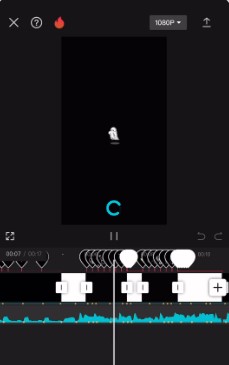


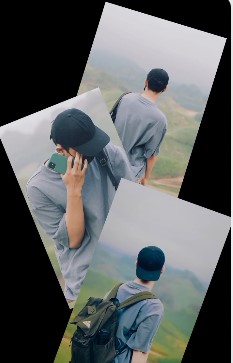


How to download a CapCut template
CapCut templates open directly in the app — no file download needed. Here's how to use any template on this page in under a minute.
Pick a template
Browse the trending and new trend CapCut templates above. Filter by category or search by name. Click any card to open the template detail page.
Open in CapCut
Tap "Open in CapCut" on the template page. CapCut opens on your phone or in the browser app and loads the template instantly — no account required to browse.
Replace clips and post
Swap each placeholder clip with your own footage. CapCut guides you through every slot. Hit export and share straight to TikTok, Reels, or Shorts.
CapCut Templates — Frequently Asked Questions
What CapCut templates are trending right now?
The trending CapCut templates right now include velocity edits, photo dumps, and new trend formats — formats that are picking up views fast on TikTok and Reels. Every template on this page is sorted by trend status (New Trend, Trending, Evergreen) so you can spot what's hot immediately.
How do I download a CapCut template?
You don't download CapCut templates as files — you open them directly in the CapCut app. Click any template above, then tap "Open in CapCut". The template loads instantly in the app where you swap the placeholder clips with your own footage and export.
What is a new trend CapCut template?
A new trend CapCut template is a format that has just started gaining traction on TikTok or Reels — it's picking up views fast but hasn't yet peaked. Using a capcut template new trend format early means your video rides the algorithm wave before the template becomes oversaturated.
Are these CapCut templates free?
Yes — every CapCut template on this page is free. CapCut templates are shared publicly by their creators and are free to use in the CapCut app. You do not need a paid CapCut subscription to use any template listed here.
Which CapCut templates work best for TikTok?
For TikTok, the best performing CapCut templates are velocity edits, beat sync cuts, and new trend formats. The 9:16 aspect ratio templates on this page are natively optimised for TikTok's full-screen feed. Filter by "Trending" or "New Trend" to find what's performing now.
How often are new CapCut templates added?
New trending CapCut templates are added weekly. Templates are reviewed and curated based on use count and For You Page performance — so every template here is proven to get views before it's listed.
Can’t find what you’re looking for?
Suggest a template, report an issue, or share feedback. We review every submission and update the directory weekly.
Get CaptionX for CapCut
Auto-captions for your CapCut videos — styled, animated, and ready to post. Join the waitlist.