Install via Creative Cloud
Install CaptionX directly from the Adobe Exchange marketplace.
- 1
Install on Creative Cloud
- 2
Open in Premiere Pro

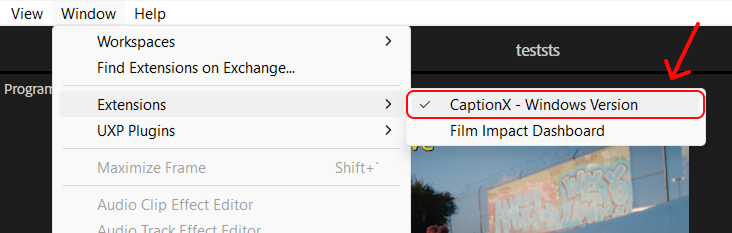
In Premiere Pro, go to Window → Extensions → CaptionX - Windows Version.
Install CaptionX directly from the Adobe Exchange marketplace.
Install on Creative Cloud
Open in Premiere Pro
In Premiere Pro, go to Window → Extensions → CaptionX - Windows Version.