NEWv34.0.0Templated Animations30fps CaptionsMost Popular StylesNEWv34.0.0New Caption StylesFaster ProcessingLive NowNEWv34.0.0Templated Animations30fps CaptionsMost Popular StylesNEWv34.0.0New Caption StylesFaster ProcessingLive NowNEWv34.0.0Templated Animations30fps CaptionsMost Popular StylesNEWv34.0.0New Caption StylesFaster ProcessingLive NowNEWv34.0.0Templated Animations30fps CaptionsMost Popular StylesNEWv34.0.0New Caption StylesFaster ProcessingLive NowNEWv34.0.0Templated Animations30fps CaptionsMost Popular StylesNEWv34.0.0New Caption StylesFaster ProcessingLive NowNEWv34.0.0Templated Animations30fps CaptionsMost Popular StylesNEWv34.0.0New Caption StylesFaster ProcessingLive NowNEWv34.0.0Templated Animations30fps CaptionsMost Popular StylesNEWv34.0.0New Caption StylesFaster ProcessingLive NowNEWv34.0.0Templated Animations30fps CaptionsMost Popular StylesNEWv34.0.0New Caption StylesFaster ProcessingLive Now
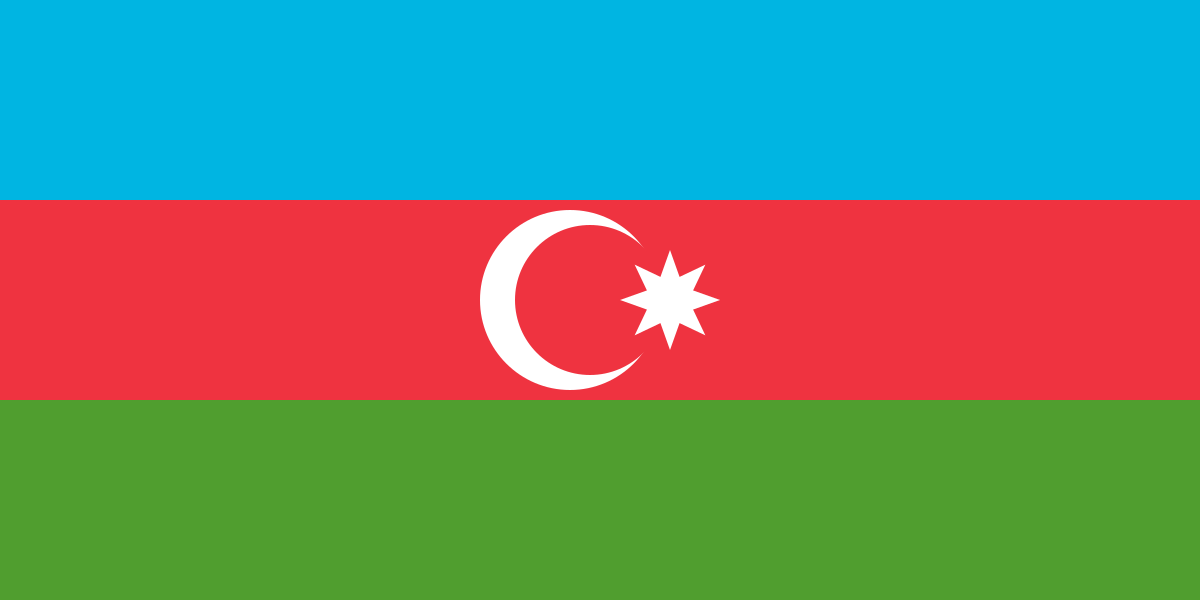
Azerbaijani flag

How to Create Azerbaijani Captions inAdobe Premiere Pro

Install → select Azerbaijani → generate → style

Tutorial workflow

Create Azerbaijani captions in 4 clear steps

Follow this sequence from setup to export to keep your caption workflow fast and reliable.

  1. 1

    Install CaptionX

    Create an account, then download and install the extension from your dashboard.

    Account + extension setupGo to dashboard

  2. 2

    Open CaptionX in Premiere Pro

    Open your Premiere project, then launch CaptionX from the Extensions menu.

    Launch extension panel
  3. 3

    Select Azerbaijani

    Choose Azerbaijani as your caption language, select your audio track, then pick caption length. Azerbaijani is spoken by ~23 million speakers, primarily in Azerbaijan.

    Azerbaijani · Latin script · LTR
  4. 4

    Generate, review, export

    Generate captions, review for accuracy — check diacritics, punctuation, and any language-specific spelling in Azerbaijani — then export as SRT or style captions in your timeline.

    QA + delivery

Azerbaijani caption language facts

Azerbaijani has roughly 23 million speakers worldwide. Azerbaijani captions usually use the Latin script and are read LTR. Primary market: Azerbaijan.

Estimated speakers
23 million
Audience scale
Established regional audience
Writing system
Latin script (LTR)
Primary markets
Azerbaijan

Sample Azerbaijani words

asansürətliağıllıaydın

Regional and dialect review checklist

Use this pass after generation to keep wording natural for your target audience.

Regional checks

  • If most of your Azerbaijani audience is in Azerbaijan, localize spelling and references for that market.
  • For Azerbaijani, keep diacritics and accents consistent across the whole timeline.
  • For interviews, prioritize clarity for names and key phrases in Azerbaijani.
  • Keep a small Azerbaijani glossary for names, places, and brand terms before your final QA pass.

Dialect checks

  • For Azerbaijani audiences in Azerbaijan, prefer local terms that sound natural to viewers.
  • Keep one spelling standard per video so Azerbaijani captions feel consistent.
  • Maintain a reusable glossary for repeated Azerbaijani terms across episodes.

Best use cases for Azerbaijani captions

  • Interview and talking-head episodes
  • Fast conversation where captions add clarity
  • Podcast clips for social platforms

Quick tips for cleaner Azerbaijani captions

  • If two people overlap, shorten captions to the most important words.
  • For interviews: prioritize names, acronyms, and key phrases—those drive clarity.
  • Shorter lines read better on mobile; split long sentences into two captions.
  • Do one quick pass for spelling + names, then ship.
  • Keep accents/diacritics intact—small marks change meaning in Azerbaijani.

Have questions about Azerbaijani captions?

The Azerbaijani Q&A page covers common questions about accuracy, workflow, script handling, and delivery.

View Azerbaijani auto captions Q&A →

Continue with Azerbaijani caption resources

Ready to generate Azerbaijani captions?

Install CaptionX and create captions directly inside Adobe Premiere Pro.

Get started